Looking Beyond Commvault?
Commvault has long been a trusted solution for enterprise data protection, but it’s not the perfect fit for every organization. Factors like cost, deployment complexity, and evolving infrastructure needs are leading many IT teams to consider alternatives that better match their specific requirements.
This analysis examines 10 alternatives to Commvault, evaluating each solution’s strengths, limitations, and practical considerations for implementation.
Quick Comparison Table for Top 10 Commvault Alternatives
Here’s a quick overview of all 10 alternatives to help you identify which solutions deserve a closer look based on your specific needs.

| Solution | Best For | Deployment | Key Strength | Platform Support | Approximate Pricing |
|---|---|---|---|---|---|
| Zmanda pro | SMB to Enterprise | Cloud/On-prem/Hybrid | Cost-effective solution | Linux/Windows/macOS | $5.99/workload/month |
| Veritas NetBackup | Large enterprises | On-prem/Cloud | Scalability | Multi-platform | 1 TB, 1‑year net‑new license: ~$2,575/year |
| Rubrik | Enterprises | Cloud-native | Fast recovery | VM/Cloud | $3,000+/year |
| Druva | Cloud-first orgs | SaaS | No infrastructure | Endpoints/VMs/Apps | $8/device/month |
| Acronis | SMBs | Local/Cloud | Image backup | Cross-platform | $7.08+/month |
| IBM Spectrum | Large enterprises | On-prem | Policy management | Enterprise systems | USD 120,000/year (enterprise license) |
| Unitrends | SMBs/Mid-market | Appliance | All-in-one | Mixed environments | Starting from ~$3K/year |
| NAKIVO | Virtualized envs | On-prem/Cloud | VM backup | VMware/Hyper-V | $179/year (per host) |
| HYCU | Multi-cloud | Cloud-native | Native integration | Google/Nutanix | $5,000/year for small orgs (<100 employees) |
| IDrive 360 | Small business | Cloud | Affordable | Cross-platform | $99.95/year (250GB) |
Note: This comparison is based on product documentation, user reviews, and expert analysis as of 2025. It reflects real-world experiences and key differentiators to help IT teams make informed decisions.
1. Zmanda Pro
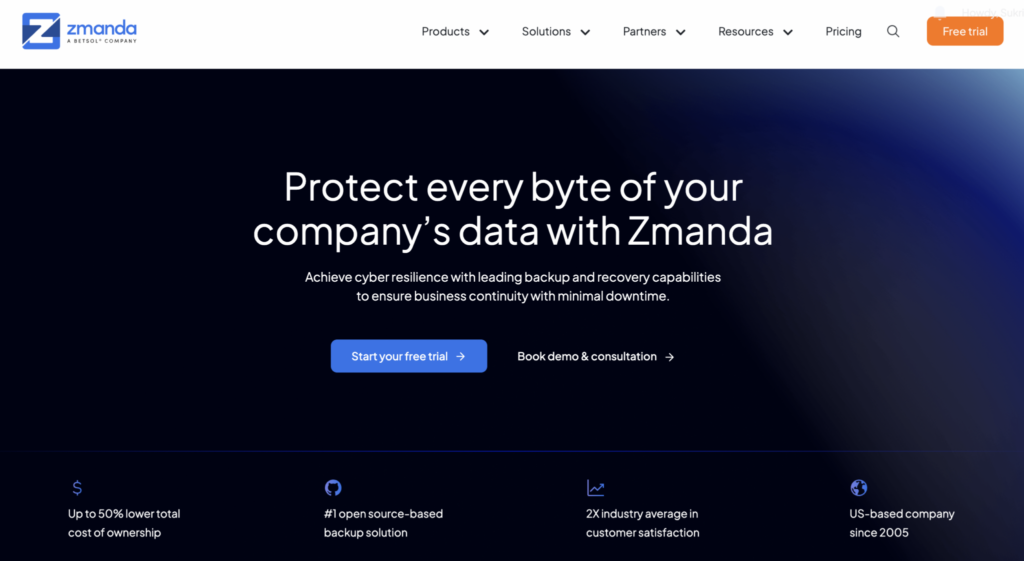
Overview: Zmanda Pro comprehensive backup and disaster recovery solution designed for businesses of all sizes, from SMBs to large enterprises. It provides seamless, centralized data protection across physical, virtual, and cloud environments. With an intuitive web-based console, Zmanda Pro simplifies the management of backup and recovery operations, helping organizations safeguard critical data with maximum reliability and minimal complexity.
- Quick Deployment & Easy Management: Most environments are fully set up within days. The interface simplifies policy creation, agent management, and monitoring.
- Built-In Resilience: Supports the 3-2-1-1-0 strategy with immutable storage and air-gapped backups for enhanced protection
- Strong Security Focus: Integrates with SIEM platforms to help detect anomalies early and strengthen incident response
- Flexible Across Environments: Works seamlessly in cloud, on-prem, and hybrid setups, adapting to varied infrastructure needs
What to Know
- Lower Brand Visibility: Less widely recognized than legacy vendors like Commvault or Veritas
- Some Advanced Features May Be Unnecessary: Smaller teams may find certain enterprise-grade features excessive.
- Subscription-Based Model: Though cost-effective over time, it may not suit businesses preferring perpetual licenses.
💡 Bottom Line
Zmanda Pro is ideal for organizations that want reliable backup without high complexity or cost. With modern features like SIEM integration, ransomware protection, and easy 3-2-1-1-0 compliance, it’s a practical choice for security-conscious teams across SMBs to large enterprises.
2. Veritas NetBackup
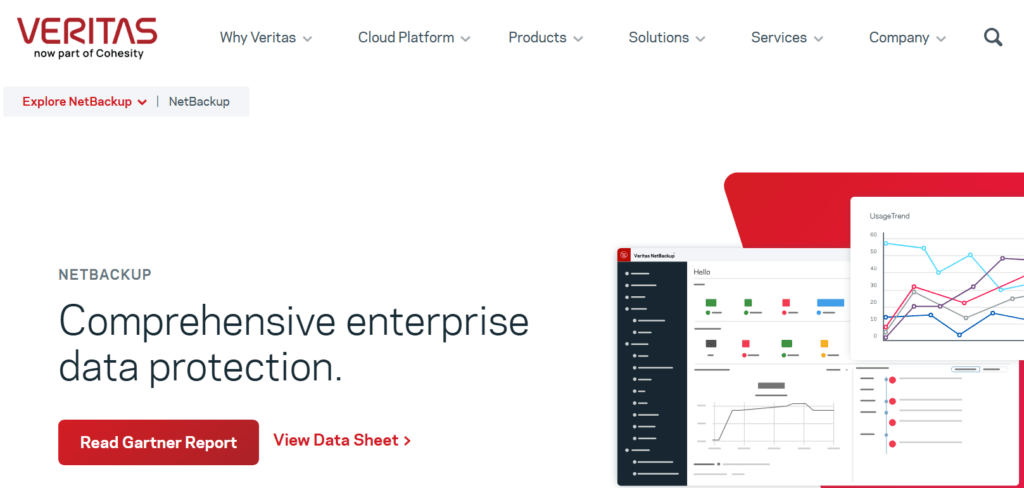
Overview: NetBackup is a backup platform built to handle large-scale data protection across diverse IT environments. Around since the 1990s, it reflects both the strengths and some of the challenges that come with a long-standing legacy.
What Works Well:
- Scale handling: Manages petabytes without breaking a sweat
- Platform support: Works with nearly every OS and application
- Deduplication: 10:1 to 20:1 ratios are common
- Tape integration: Still the best for tape library management
- Partner ecosystem: Thousands of certified professionals available
What’s Missing:
- Modern interface: Interface design needs modernization
- Cloud features: Added as an afterthought, not native
- Ease of use: Requires dedicated, trained administrators
- Pricing transparency: Complex licensing often leads to surprises
- Container support: Kubernetes backup is rudimentary
💡 Bottom Line:
NetBackup remains a solid choice for large enterprises with complex needs, but requires significant investment in both licensing and skilled personnel to operate effectively.
3. Rubrik

Overview: Rubrik is a backup company that built its platform from scratch for modern infrastructure rather than adapting legacy code. They focus on policy-based automation to simplify backup management and offer instant recovery capabilities for faster data restoration.
What Works Well:
- Recovery speed: Most restores complete in under 5 minutes
- Simple policies: SLA-based approach reduces configuration time
- API coverage: Everything can be automated via REST APIs
- Ransomware detection: ML-based anomaly detection actually works
- Search functionality: Google-like search across all backups
What’s Missing:
- Price point: 2-3x more expensive than traditional solutions
- Tape support: No direct tape integration
- Legacy workloads: Struggles with older applications
- Long-term retention: Gets expensive for multi-year storage
- Small deployments: Overkill for under 50 VMs
💡 Bottom Line:
Rubrik is fast and modern but comes at a premium price. The investment makes sense if rapid recovery and automation are top priorities for your organization.
4. Druva Data Resiliency Cloud
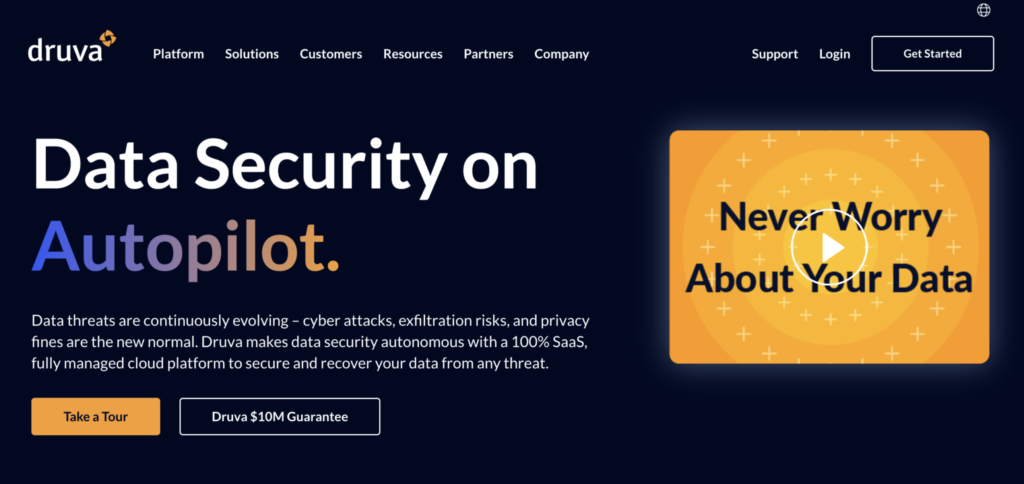
Overview: A cloud-only backup service that requires no on-premises infrastructure. Everything runs in Druva’s cloud, including the management plane and storage.
What Works Well:
- Zero infrastructure: No servers, storage, or software to manage
- Quick deployment: Usually operational within 4-6 hours
- SaaS backup: Strong Microsoft 365 and Salesforce coverage
- deduplication: Reduces storage across all workloads
- Automatic updates: Always current without maintenance windows
What’s Missing:
- Internet dependency: No backup without connectivity
- Physical servers: Limited support for non-virtual workloads
- Large restores: Can take days over internet connections
- Customization: One-size-fits-all approach
- Air gap: No true offline backup capability
💡 Bottom Line:
Druva works well for organizations fully committed to cloud infrastructure. The lack of flexibility can be limiting for hybrid environments or those with specific compliance needs.
5. Acronis Cyber Backup
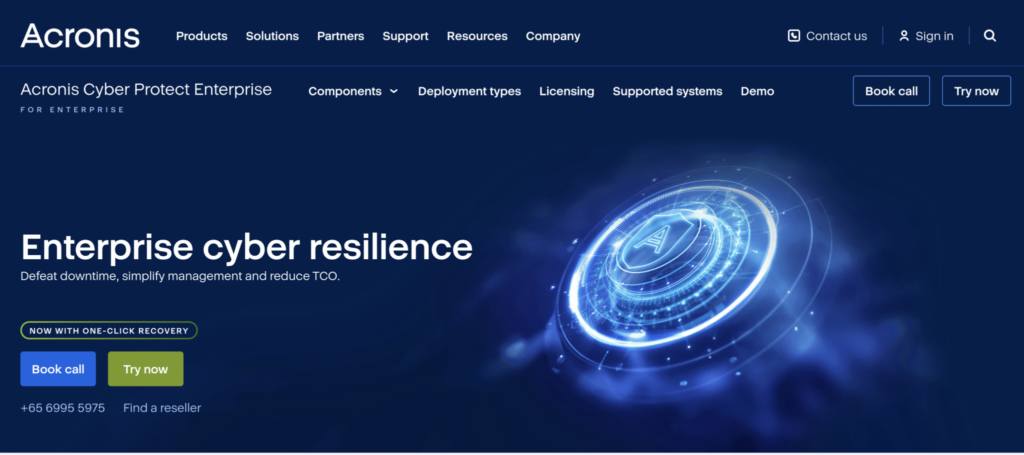
Overview: A backup solution that bundles basic anti-malware and security features alongside traditional backup capabilities. Marketed heavily toward SMBs as an all-in-one solution.
What Works Well:
- Bare metal recovery: Reliable restore to different hardware
- Built-in security: Basic ransomware protection included
- Flexible storage: Local, cloud, or hybrid options
- Image backups: Full system images work reliably
- SMB pricing: Reasonable costs for smaller deployments
What’s Missing:
- Performance: Security scanning slows backups by 20-30%
- Enterprise features: Limited automation and orchestration
- Deduplication: Not as efficient as dedicated solutions
- Support quality: Mixed reviews from users
- Application support: Basic for complex databases
💡 Bottom Line:
Acronis provides adequate backup with added security features. The combined approach works for smaller organizations but may not meet the needs of larger enterprises.
6. IBM Spectrum Protect

Overview: IBM’s enterprise backup platform designed for the largest, most complex environments. Previously known as TSM (Tivoli Storage Manager), it’s been around for decades.
What Works Well:
- Massive scale: Handles the world’s largest deployments
- Policy engine: Extremely granular control options
- Incremental forever: Reduces backup windows significantly
- Mainframe support: Best-in-class for IBM systems
- Compliance tools: Built for regulated industries
What’s Missing:
- Complexity: Steepest learning curve in the industry
- Cost: Among the most expensive options
- Modern workloads: Weak container and cloud support
- User experience: Interface hasn’t evolved much
- Agility: Changes require careful planning
💡 Bottom Line:
Spectrum Protect handles massive scale and complex requirements but demands equally significant resources and expertise to implement and maintain properly.
7. Unitrends Backup
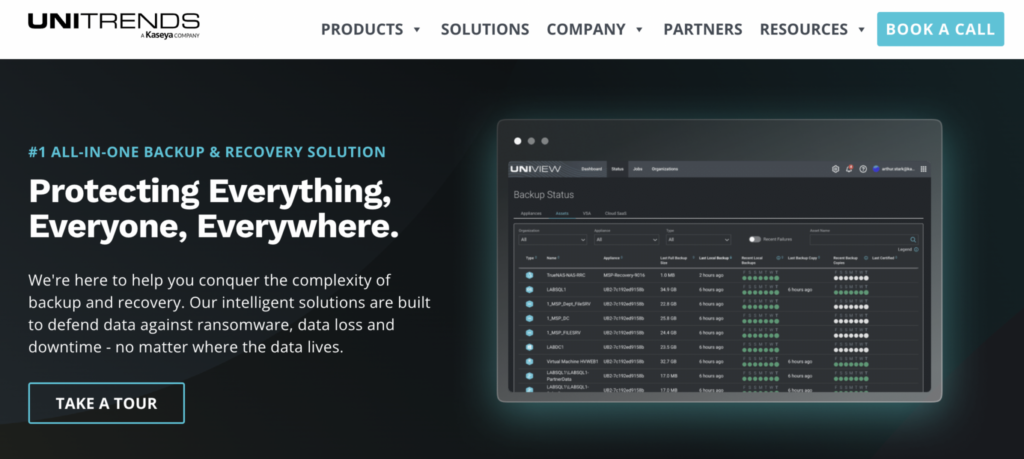
Overview: An appliance-based backup solution that packages software and storage together. Aimed at SMBs who want a turnkey solution without complexity.
What Works Well:
- All-inclusive: Hardware, software, and support bundled
- Predictive analytics: Alerts before failures occur
- Recovery testing: Automated verification included
- Quick setup: Pre-configured appliances deploy fast
- Instant recovery: Spin up VMs directly from appliance
What’s Missing:
- Scaling costs: Need new appliances to grow
- Cloud integration: Basic compared to cloud-native options
- Geographic coverage: Primarily US-focused support
- Flexibility: Locked into appliance model
- Advanced features: Limited for complex environments
💡 Bottom Line:
Unitrends simplifies backup through an appliance model that works well for stable environments but may constrain organizations experiencing rapid growth or change.
8. NAKIVO Backup & Replication
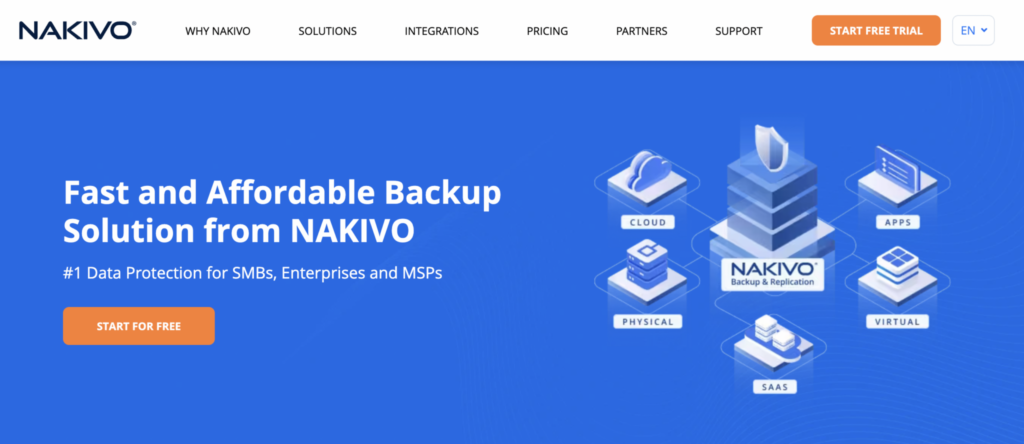
Overview: An appliance-based backup solution that packages software and storage together. Aimed at SMBs who want a turnkey solution without complexity.
What Works Well:
- All-inclusive: Hardware, software, and support bundled
- Predictive analytics: Alerts before failures occur
- Recovery testing: Automated verification included
- Quick setup: Pre-configured appliances deploy fast
- Instant recovery: Spin up VMs directly from appliance
What’s Missing:
- Scaling costs: Need new appliances to grow
- Cloud integration: Basic compared to cloud-native options
- Geographic coverage: Primarily US-focused support
- Flexibility: Locked into appliance model
- Advanced features: Limited for complex environments
💡 Bottom Line:
Unitrends simplifies backup through an appliance model that works well for stable environments but may constrain organizations experiencing rapid growth or change.
9. HYCU
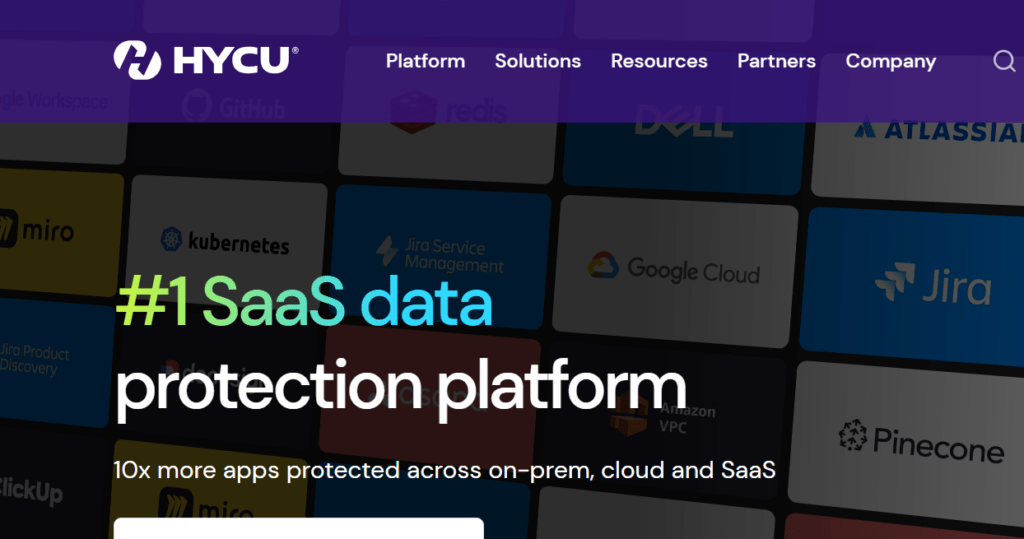
Overview: A purpose-built solution for specific modern platforms, particularly Nutanix and Google Cloud. Takes an opinionated approach to backup for these environments.
What Works Well:
- Platform integration: Deep hooks into supported platforms
- No agents: Nothing to install or maintain
- Fast deployment: Running in under an hour
- Automated discovery: Finds and protects resources
- Modern design: Built for cloud and containers
What’s Missing:
- Platform limits: Only works with specific platforms
- Legacy support: No protection for traditional infrastructure
- Feature depth: Basic compared to established players
- Market presence: Smaller company with limited track record
- Documentation: Less extensive than competitors
💡 Bottom Line:
HYCU offers excellent native integration for supported platforms but won’t work for organizations needing broader infrastructure coverage.
10. IDrive 360 for Business
Overview: A budget cloud backup service aimed at small businesses. Offers basic backup functionality at rock-bottom prices with simple management.
What Works Well:
- Cross-platform: Works on Windows, Mac, Linux, mobile
- Continuous sync: Real-time protection for files
- Ease of use: Set up in minutes
- Version history: Keeps multiple file versions
What’s Missing:
- Scale limits: Not built for large deployments
- Performance: Slow for large data sets
- Advanced features: No automation or orchestration
- Support: Basic email/chat only
- Recovery options: No instant recovery features
💡 Bottom Line:
IDrive 360 provides basic file backup at an unbeatable price point. Suitable for very small teams with simple backup requirements and limited budgets.
Making the Right Choice
With 10 comprehensive alternatives analyzed, you now have a clear picture of what’s available beyond Commvault. However, having options is only half the battle—the real challenge lies in making the right selection and executing a successful migration.
1. Implementation Considerations
Even the best alternative solution can fail without proper planning and execution. These considerations will guide you through a successful migration process:
- Conduct a thorough infrastructure assessment – Evaluate current data volumes, recovery requirements, and existing integrations to establish a baseline for comparison
- Plan for training and change management – Factor in learning curves, training time, and potential productivity impacts during transition periods
- Consider parallel system operation – Run backup systems simultaneously during migration to ensure continuity
- Run proof-of-concept deployments – Test your top 2-3 alternatives with real data through vendor trial periods to identify compatibility issues not apparent in initial evaluations. Ready to start your evaluation process?
2. Common Pitfalls to Avoid
Learning from others’ mistakes can save you significant time, money, and frustration during your transition. Watch out for these common decision-making traps:
- Don’t rush the decision – If current backup objectives are being met, ensure alternatives truly address specific pain points rather than offering different trade-offs
- Don’t focus solely on licensing costs – Consider total cost of ownership including storage, support, training, and infrastructure upgrades
- Avoid feature checklist mentality – Ensure capabilities integrate well with existing workflows rather than choosing based on extensive feature lists
Finding Your Ideal Commvault Alternative: Key Takeaways
Throughout this guide, we’ve analyzed 10 proven Commvault alternatives, each addressing specific organizational needs and pain points. From Zmanda Pro’s cost-effective enterprise scalability to IDrive 360’s small business simplicity, we’ve explored solutions spanning every budget and infrastructure requirement. We’ve also covered the critical implementation considerations that determine success—from conducting thorough infrastructure assessments to avoiding common migration pitfalls like focusing solely on licensing costs while ignoring total ownership expenses.
The most important insight from our analysis: the best Commvault alternative isn’t the one with the most features, but the one that aligns with your team’s expertise, operational workflows, and actual recovery requirements. Whether you’re driven by cost optimization, simplification needs, or advanced security requirements, the right solution is one your team will implement successfully and rely on confidently when recovery matters most. how is this?
Frequently Asked Questions
What’s the typical cost difference between enterprise backup solutions?
Enterprise backup costs vary widely, from $5-10 per workload per month for basic solutions to $100+ for premium offerings. Total cost depends on data volume, retention requirements, and features needed. Remember to factor in storage, infrastructure, and training costs beyond base licensing.
How long do backup solution migrations usually take?
Migration timelines range from 2-4 weeks for simple environments to 3-6 months for complex enterprises. The process includes assessment, pilot testing, parallel running, and cutover. Data volume matters less than complexity—a simple 100TB environment migrates faster than a complex 10TB setup.
Can backup data be migrated between different platforms?
Direct data migration between backup platforms is rarely possible due to proprietary formats. Most organizations keep their old system running in read-only mode until backups age out according to retention policies, while starting fresh with the new solution.
What infrastructure is needed for modern backup solutions?
Requirements vary significantly. Cloud solutions need reliable internet (minimum 100Mbps for most organizations), appliance-based solutions need rack space and power, while software-only solutions require storage infrastructure. Some platforms have specific hypervisor or storage compatibility requirements.
How much training do IT teams typically need?
Expect 2-3 weeks of reduced productivity during any platform transition. Administrators typically need 3-5 days of formal training, while operators need 1-2 days. Modern interfaces are generally more intuitive, but teams still need time to adapt to new workflows and terminology.
What are the main backup licensing models?
Common models include capacity-based (per TB), workload-based (per server/VM), socket/host-based, and user-based licensing. Each benefits different scenarios—capacity-based favors small data volumes, while workload-based suits organizations with large databases.
How do backup windows compare across different solutions?
Modern solutions typically improve incremental backup times by 20-40% through better deduplication and change tracking. However, initial full backups may take longer. Actual performance depends heavily on data types, change rates, and infrastructure.
What should be considered for disaster recovery during platform transitions?
Maintain DR capabilities in both old and new systems during migration. Test procedures thoroughly with the new solution before decommissioning the old one. Many organizations discover gaps in their DR plans during platform transitions.
How often do organizations change backup solutions?
Most organizations switch backup platforms every 5-7 years, driven by infrastructure changes, cost pressures, or technology evolution. Consider your 5-year infrastructure roadmap when selecting a new platform.
What are the hidden costs in backup platform switches?
Beyond licensing, budget for professional services (often 20-30% of license cost), training, temporary dual operations, potential storage upgrades, and bandwidth improvements. Internal staff time for migration often equals 2-3 months of full-time effort.
Should organizations consider backup-as-a-service instead of on-premises solutions?
Managed backup services reduce operational burden but may increase costs and reduce control. They work well for organizations lacking backup expertise or facing staff constraints. Consider whether you need the flexibility of self-managed backups versus the simplicity of managed services.
What compliance considerations affect backup platform selection?
Key factors include data residency requirements, encryption standards, audit logging capabilities, and retention management. Some industries require specific certifications or air-gapped backup capabilities. Verify compliance features before selecting any platform.
How important is ransomware protection in modern backup solutions?
Ransomware protection has become critical. Look for immutable backups, anomaly detection, isolated recovery environments, and automated testing. These features are now standard in enterprise solutions but implementation quality varies significantly.
What’s the impact of switching backup solutions on existing SLAs?
Plan for temporary SLA adjustments during migration. While modern solutions often enable better RTOs and RPOs, achieving them requires proper configuration and testing. Allow 60-90 days post-migration before committing to improved SLAs.
How do organizations ensure complete coverage during platform transitions?
Create detailed inventories of protected systems before migration. Use automated discovery in the new platform and compare lists weekly. Many organizations find orphaned or redundant backup jobs during this process. Running parallel systems for 30-60 days helps identify gaps.