Enterprise-ready control for mission-critical data
Complete data sovereignty
Maintain full compliance with industry regulations by controlling exactly where your backup data resides and who can access it.
Ideal for service providers
Scale your backup services with powerful multi-tenancy capabilities. Support multiple clients from one centralized console with complete separation between tenants.
Flexible storage integration
Connect to any storage destination you prefer—on-premises hardware, private cloud, or virtually any S3-compatible cloud storage provider.
How Zmanda Pro's on-prem
deployment model works
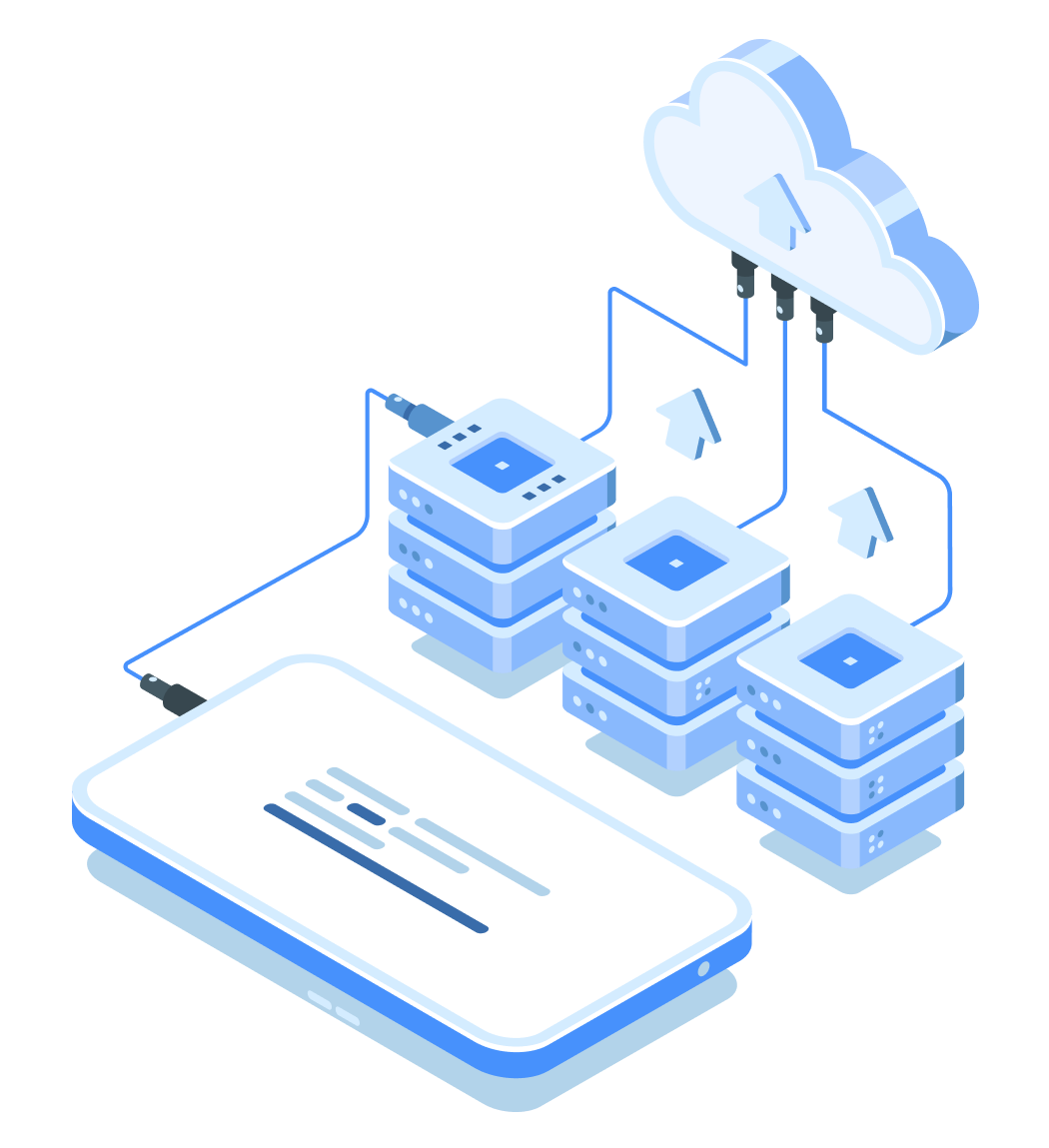
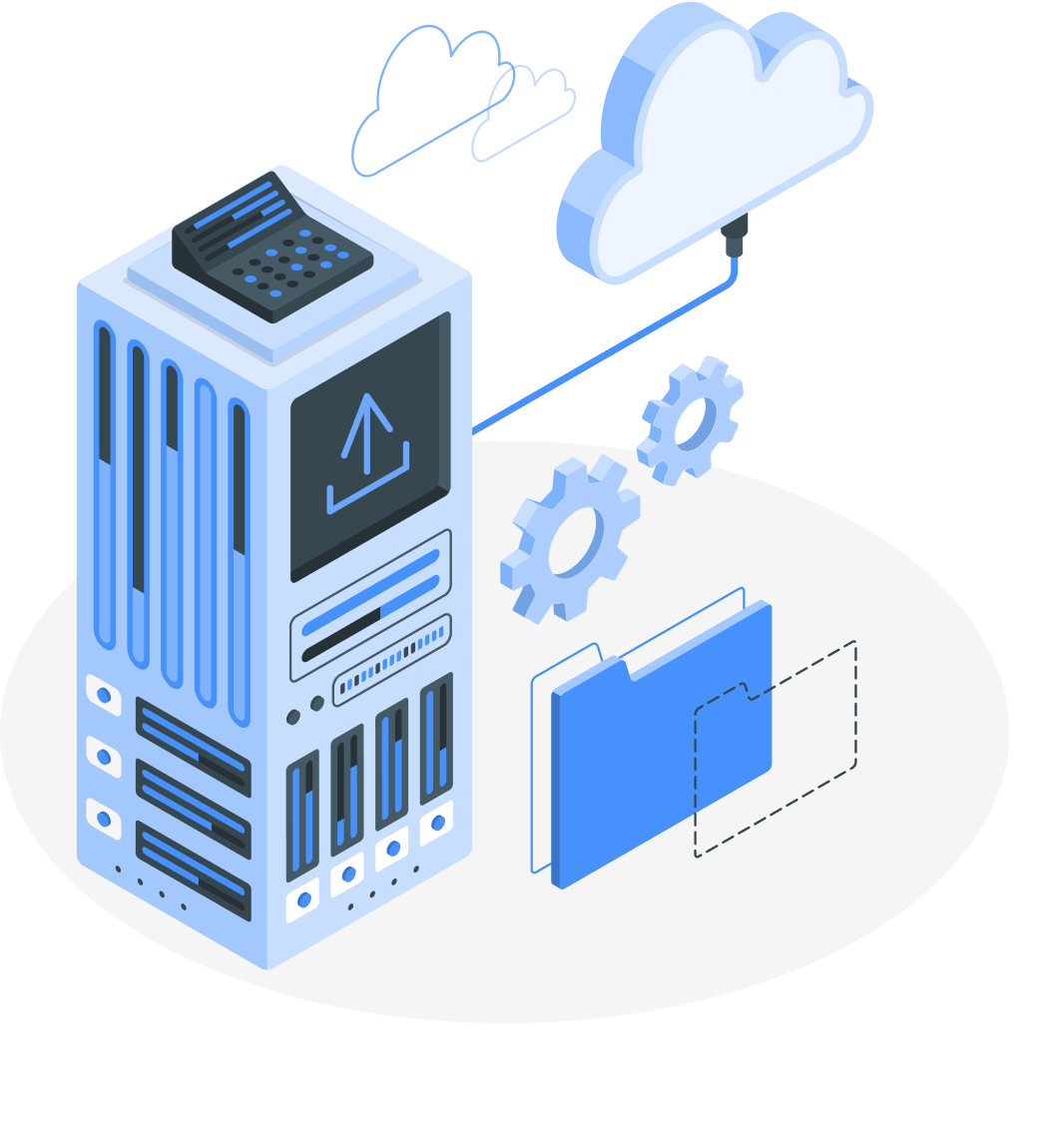
Zmanda Pro's on-prem management console gives you complete control over your backup environment while delivering enterprise-class protection for your critical data. You install and maintain the management console on your infrastructure, giving you full data sovereignty and customization options while benefiting from Zmanda's powerful backup engine.
Centralized management with enterprise visibility
Which deployment model is right for your business?
Installation and infrastructure
| Features | Cloud-hosted | On-prem | Secure private cloud |
|---|---|---|---|
| Immediate setup (no installation required) | |||
| Control over hardware resources | |||
| Automatic software updates | Optional | Manual only | |
| Internet connectivity required | |||
| Offline licensing option | |||
| Air-gapped environment support | |||
| High availability through server replication | Limited | ||
| HIPAA and GDPR compliance options | Partial | Full | Full+ |
Storage options
| Features | Cloud-hosted | On-prem | Secure private cloud |
|---|---|---|---|
| Backup to Zmanda Cloud Storage | |||
| Backup to S3-compatible cloud storage | Limited | ||
| Backup to on-premise storage | |||
| Storage replication capabilities | Limited | Full | Full |
| Custom retention policies | |||
| User and tenant storage quotas |
Backup features
| Features | Cloud-hosted | On-prem | Secure private cloud |
|---|---|---|---|
| Direct file cloud backup with deduplication | |||
| Multiple backup types (File, VM, Application, etc.) | |||
| Remote server protection with whole-disk storage | |||
| Comprehensive email reporting | |||
| Advanced audit logging | |||
| IP access control and site tracking |
Console management
| Features | Cloud-hosted | On-prem | Secure private cloud |
|---|---|---|---|
| Web-based architecture | Limited | Full | Full |
| Advanced policy-based management | |||
| Security features (2FA, HTTPS, SSL) | |||
| SSO integration | Limited | ||
| Custom SSL certificates | |||
| IP access controls and rate limiting | |||
| Complete API access | Limited | Full | Full |
| Enterprise support options |
Ready to take control of your
backup infrastructure?
Zmanda Pro's Backup deployment options deliver enterprise-grade backup capabilities with the control and flexibility your organization demands.
Talk to a backup expert
FAQs
- Basic Windows or Linux server administration skills
- Experience with SSL certificates and networking
- Understanding of backup infrastructure requirements
- Familiarity with server hardware or virtual machine management
You can back up to:
- Local disk storage or NAS devices
- Any S3-compatible cloud storage (AWS, Azure, Google Cloud, Wasabi, etc.)
- Tape libraries
- Custom storage destinations through our flexible storage API
Self-Hosted requires periodic internet connectivity for license validation and updates. It's ideal for organizations that want infrastructure control but don't have air-gapped security requirements.
Self-Hosted Offline uses offline licensing with no internet connectivity requirement. This deployment is designed for highly secure environments where systems cannot connect to external networks. Updates and licensing are managed manually through secure processes.
Cloud-Hosted supports basic compliance needs with Zmanda managing the infrastructure.
Self-Hosted provides greater compliance capabilities with full control over data location and security policies.
Self-Hosted Offline offers the highest level of compliance for organizations with strict air-gap requirements, such as financial institutions, government agencies, and critical infrastructure operators.
Self-Hosted: Requires installation on your infrastructure with our setup script and activator. Includes online validation and automatic update options.
Self-Hosted Offline: Requires manual installation with an offline activation process. Updates are managed through a secure manual process rather than automatic downloads.
- Cloud-Hosted to Self-Hosted (online or offline)
- Self-Hosted to Self-Hosted Offline
- Self-Hosted Offline to Self-Hosted
- End-to-end encryption with customer-managed keys
- Immutable backup capabilities to prevent ransomware tampering
- Detailed audit logging of all system activities
- Role-based access control with fine-grained permissions
- Optional air-gapped deployments for maximum security
Got a question that you need an answer to asap?
At Zmanda (A BETSOL Company), we offer 24 x 7 service across all our offerings. There's no waiting time, we're just a call away.
Call Us
888-495-2632 (US)
408-732-3208 (INTL)