Integration of Data Domain Systems With Amanda Enterprise
This how-to document explains how to configure and integrate Data Domain systems with Amanda Enterprise. Overview Amanda Enterprise 3.0 Integration...
This guide provides step-by-step instructions for seamlessly upgrading Zmanda Management Console (ZMC) to the latest 5.1 version.
Based on your current Zmanda version, you will need to follow the appropriate upgrade path provided below to upgrade to 5.1. You can experience all-new features and enhancements with Zmanda 5.1.
|
Current Release |
Upgrade Path |
|
4.1.3.10 |
4.1.3.10 → 4.2.0.14 → 5.1.0.X |
|
4.2.0.14 |
4.2.0.14 → 5.1.0.X |
|
5.0.0.7 (with patch) |
5.0.0.7 (with patch) → 5.1.0.X |
|
5.0.0.7 (without patch) |
5.0.0.7 (without patch) → 5.1.0.X |
|
3.6 |
3.6 → 5.1.0.X |
|
Fresh install |
5.1.0.X |
For users upgrading from version 5.0, whether you have applied a patch or not, it’s crucial to follow this document to avoid errors during the upgrade process.
Step 1. Uninstall the 4.x/5.0 backup server and ZMC binaries using the following commands,
RPM-based: #yum remove zmanda-platform-shared
Debian-based: For Debian-based systems, run the bash script attached in this article to preserve configuration files, and then uninstall using the command: #apt remove zmanda-platform-shared
Step 2. Copy 5.1 ZMC and backup server binaries to the respective servers and give executable permissions.
#chmod +x zmanda-backup-server-5.1.0.41-x64.run
#chmod +x zmanda-zmc-5.1.0.49-x64.run
Step 3. Install the 5.1 ZMC and backup server binaries by running them with superuser permissions.
#./zmanda-backup-server-5.1.0.41-x64.run
#./zmanda-zmc-5.1.0.49-x64.run
Step 4. Upload 5.1 license on ZMC to start using ZMC 5.1
Note :
It is mandatory to upgrade both backup server and ZMC.
Execute the below command before uninstalling 4.x if you migrated from 3.6 to 4.x earlier.
# rm -rf /etc/amanda~1 /etc/amanda.prevAdditional Steps for Users Upgrading from Version 5.0
Important: Post-upgrade, the backup set schedule should be deactivated and reactivated to ensure the scheduled backups are triggered properly.
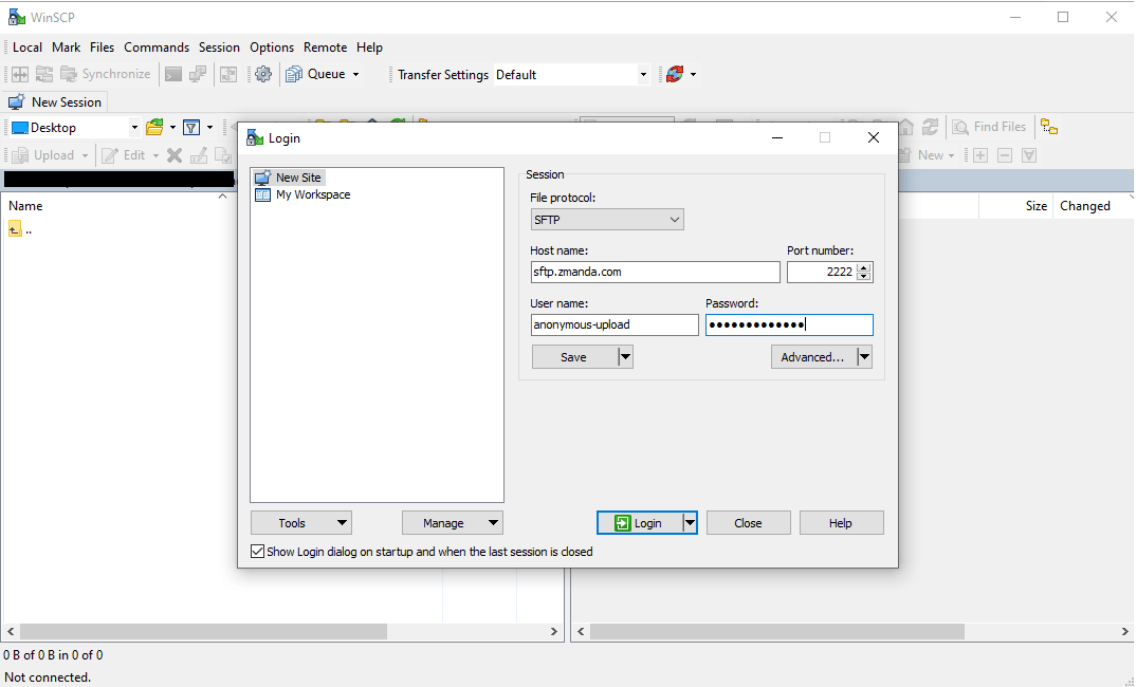
For detailed instructions on migrating from version 3.6 to 5.1, please refer to the documentation.
For detailed instructions on installing version 5.1, please refer to the Installation Guide.

Contact us for a free 30-minute consultation and learn how our fully managed solution can protect your business and streamline your operations. Get started with Zmanda Pro today!
Book a meeting