Veeam has been the default enterprise backup answer for VMware shops for years. But as Proxmox adoption accelerates, particularly among IT teams migrating off VMware following Broadcom’s licensing restructure, the question isn’t whether Veeam handles Proxmox. It’s whether the complexity and cost of Veeam is justified when you’re running Proxmox in production and need a backup solution built for where your infrastructure is today.
This comparison is honest about both sides. Veeam is a capable product with genuine strengths. Proxmox Backup Server is purpose-built for PBS environments and handles the core job well. But the evaluation question most IT teams face isn’t “which is technically superior”, it’s “which one fits our team size, budget, and operational reality.” Those are different questions, and the answers diverge significantly.
This post covers: what PBS and Veeam each do natively for Proxmox VMs, where Veeam’s Proxmox support actually stands today, cost and licensing differences, operational complexity, and why a third option like Zmanda Pro changes the calculus for SMBs and mid-market IT teams managing mixed environments.
See how Zmanda Pro simplifies this
Proxmox Backup Server: What It Does and Where It Stops
PBS is Proxmox’s native, open-source backup solution. It’s tightly integrated with the PVE web UI, supports agentless VM and LXC container backup via the Proxmox API, and uses a chunk-based, deduplicating storage format that keeps local storage consumption low. For teams running Proxmox-only environments with local or NFS storage, PBS is well-engineered and genuinely capable.

The architectural design is sound: PBS stores backups in a deduplicated chunk store, supports incremental backups via change block tracking, and provides integrity verification at the chunk level. Restores are fast because PBS can reconstruct any point-in-time backup by assembling only the required chunks without sequentially processing a full backup chain.
PBS stops short in several areas that matter to growing organizations. It doesn’t support cloud storage destinations natively, no direct S3, Wasabi, or Azure Blob writes. It doesn’t manage Windows, Linux physical servers, or databases from the same console. There’s no centralized reporting across multiple PBS instances. And it has no commercial support contract with defined SLAs for organizations where compliance requires vendor-backed support; PBS alone doesn’t satisfy that requirement.
Veeam’s Proxmox Support: The Reality

Veeam added Proxmox VE support in Veeam Backup & Replication v12.1 (released December 2023). This is genuine, officially supported functionality, not a workaround. Veeam can perform agentless backup of Proxmox VMs using the Proxmox API, store backups in Veeam repositories, and manage Proxmox workloads from the same VBR console as VMware, Hyper-V, and physical server workloads.
The feature set for Proxmox in Veeam v12.1 includes: agentless backup and restore at the VM level, application-aware processing for supported guest OSes, and instant VM recovery to Proxmox or cross-platform restore to VMware/Hyper-V. It’s a solid first-generation implementation for a new platform.
The limitations are worth stating plainly. LXC container backup is not supported in Veeam for Proxmox, only QEMU VMs. For Proxmox environments that use LXC containers extensively (common in hosting and lab environments), this is a significant gap. Veeam’s Proxmox support is also newer and has had fewer releases than its VMware support, meaning edge cases that are resolved in VMware take longer to surface and fix in Proxmox.
How Zmanda Pro fits into the Proxmox backup decision
Zmanda Pro sits between PBS and Veeam in the evaluation. Not as a compromise, but as a purpose-built option for SMB and mid-market teams that need more than PBS covers without the licensing complexity and renewal cost risk that comes with Veeam.
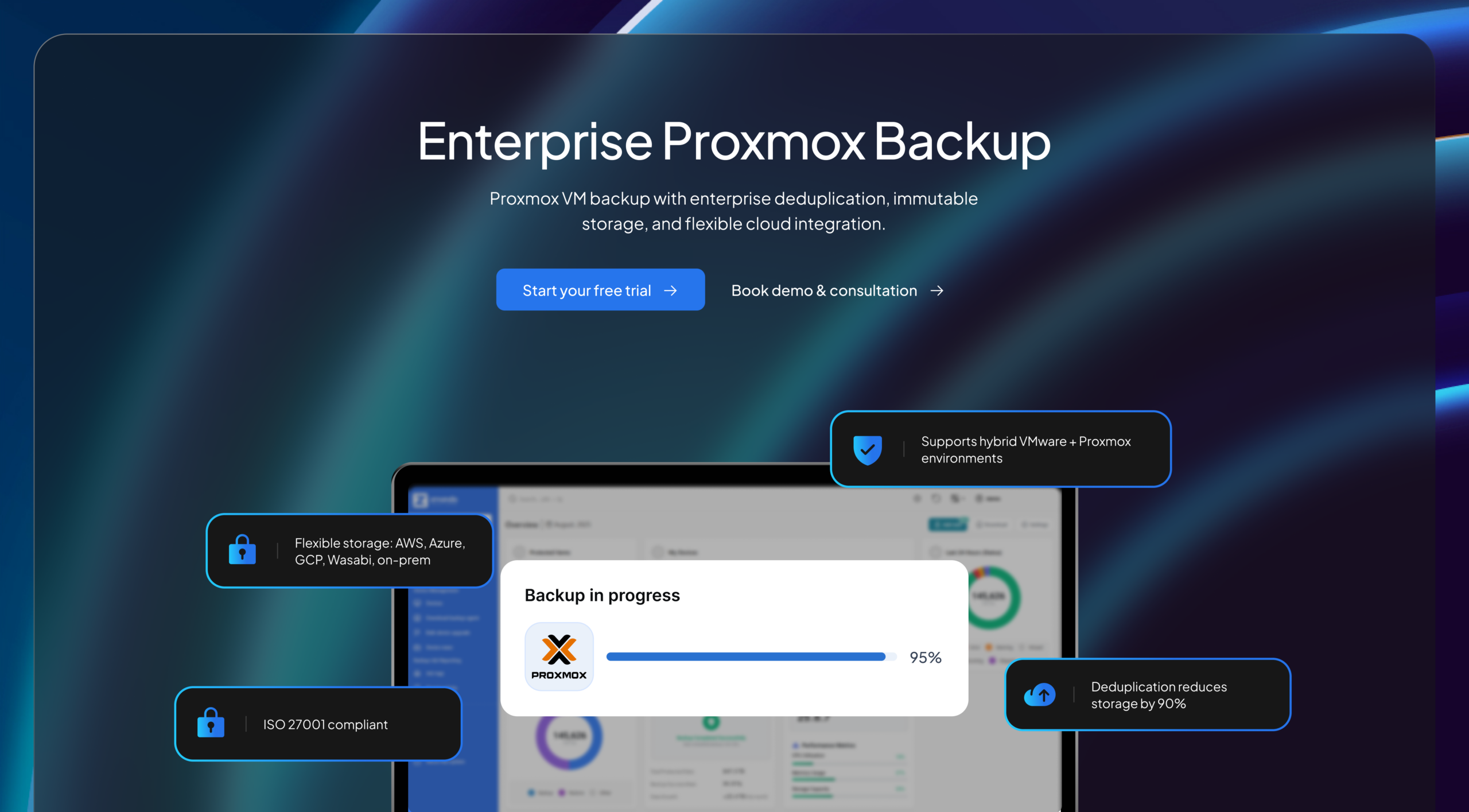
It deploys in 15 minutes, covers Proxmox VMs and LXC containers agentlessly, writes directly to AWS S3, Wasabi, Backblaze B2, or any S3-compatible endpoint with object lock support, and manages physical servers, databases, and Microsoft 365 from the same console. 24/7 support is included, not an add-on.
For teams running mixed environments with Proxmox alongside Windows and Linux servers, databases, or M365, the single-console coverage is usually the deciding factor. PBS handles Proxmox well but stops at the hypervisor boundary. Veeam crosses that boundary but at a cost and complexity level that requires dedicated backup administration. Zmanda Pro covers the same breadth at a predictable per-workload rate with no certification requirements and no renewal surprises.
Introducing Proxmox VE backup in Zmanda Pro covers the full feature set in detail.
| Feature | Proxmox Backup Server | Veeam v12.1+ | Zmanda Pro |
|---|---|---|---|
| Agentless Proxmox VM backup | Yes — native | Yes — v12.1+ | Yes |
| LXC container backup | Yes — native | No | Yes |
| Native S3/cloud storage | No | Yes | Yes |
| Client-side deduplication | Yes (server-side chunk dedup) | No (inline dedup requires extra HW) | Yes — before transmission |
| Windows / Linux physical servers | No | Yes | Yes |
| Databases (MySQL, MSSQL, etc.) | No | Yes (with agents) | Yes |
| Microsoft 365 backup | No | Yes (separate license) | Yes |
| Centralized multi-site console | Limited (separate PBS instances) | Yes | Yes |
| Immutable backups (Object Lock) | Via ZFS snapshots only | Yes (requires Hardened Repository) | Yes — AWS S3 and Wasabi Object Lock |
| Air-gapped / offline deployment | Yes | No (discontinued for new deployments) | Yes |
| Deployment time | ~1–2 hours (initial setup) | 4–8 hours | 15 minutes |
| Certification required | None | VMCE ($3,000+) | None |
| 24/7 support included | Community only | Add-on | Yes — included |
| Pricing model | Free / open source | Per-workload (annual subscription) | Per-workload ($5.99/workload/month) |
Veeam Pricing and Licensing: What IT Teams Actually Pay
Veeam’s pricing is workload-based, but the structure is more complex than a flat per-workload rate. Veeam Backup & Replication is available in Essentials (up to 10 workloads), Foundation, Advanced, and Premium tiers, each with different feature sets and different annual subscription rates. The per-workload cost varies by tier and whether you’re on Socket, VM, or per-workload licensing.
What IT teams consistently report as the most significant cost issue with Veeam isn’t the initial purchase price, it’s renewal. Veeam’s annual maintenance renewal has historically run at significant premiums above the initial year price, with documented cases of 2–3x renewal increases when contracts expire. For a 50-VM environment, the delta between year-one cost and year-three renewal can represent a six-figure difference over the contract lifecycle.
Additional Veeam costs that don’t show up in the headline workload price: Veeam ONE for monitoring and reporting (separate SKU), Veeam Agent for physical servers (separate SKU), Microsoft 365 backup via Veeam Backup for Microsoft 365 (separate SKU and storage costs), and the Veeam VMCE certification training for teams that need official product certification. That certification runs $3,000+ per admin, a cost with no equivalent in PBS or Zmanda Pro environments.
TCO Comparison: A 50-VM Proxmox Environment Over 3 Years
Total cost of ownership comparisons for backup software need to account for licensing, storage, support, and operational overhead. For a representative 50-VM Proxmox environment, the three-year TCO looks substantially different across the three options, particularly when storage deduplication efficiency is factored in.
| Cost Category | Proxmox Backup Server | Veeam v12.1 | Zmanda Pro |
|---|---|---|---|
| Software licensing (3 years) | Free | ~$15,000–$25,000 | ~$10,800 ($5.99/workload/month × 50 × 36) |
| Storage hardware (local) | Full cost (no cloud offload) | Reduced with cloud tiering | Reduced — 90% dedup/compression savings |
| Cloud storage (offsite copy) | Add rclone + manual monitoring | Included (configuration required) | Included — native S3 support |
| Admin certification / training | None | $3,000+/admin | None |
| Support (24/7 commercial) | Not available | Add-on cost | Included |
| Renewal cost risk | None | High (documented renewal increases) | Flat per-workload rate |
Zmanda Pro’s TCO advantage over Veeam compounds over time precisely because the per-workload price is flat and includes support, cloud storage destinations, and all workload types without separate SKUs. The 50%+ lower TCO claim vs. Veeam is documented in production environments, including a large US franchisee operator case study that showed 53% cost savings compared to the closest competitor, with up to 90% storage reduction via Zmanda Pro’s 10:1 deduplication ratio. Full details at the Zmanda vs. Veeam comparison page.
Operational Complexity: Which Team Can Actually Run This
The honest evaluation of backup software for SMB and mid-market IT teams comes down to one practical question: can your team manage this without specialized training or headcount?
PBS is low-complexity for Proxmox-specific workloads. The web UI is straightforward, and the integration with PVE means Proxmox admins already understand how it works. The limitation is scope, it’s only for Proxmox, and mixed environments require separate tooling for everything else.
Veeam is a powerful product designed for enterprise IT teams with dedicated backup administrators. Its breadth of features, which are genuine, comes with corresponding configuration complexity. Proper Veeam deployment in a mixed environment typically takes 4–8 hours of initial setup, requires administrator familiarity with Veeam’s concepts (repositories, proxy servers, backup jobs vs. backup copy jobs, immutable repositories), and benefits substantially from formal VMCE training. For a 3-person IT team managing Proxmox alongside other infrastructure, this overhead is meaningful.
Zmanda Pro‘s 15-minute deployment claim isn’t marketing shorthand, it reflects a deliberate architectural choice to minimize configuration surface. The Zmanda Pro console provides centralized policy management across all workload types from a single interface, and 24/7 expert support is included at no additional cost. For teams that need enterprise-grade backup without dedicating an admin to managing the backup platform itself, this matters operationally.
Which Solution Fits Your Environment
PBS is the right choice if your environment is Proxmox-only, your storage is local or NFS, and your team has no commercial support requirement. It’s free, well-built for its scope, and maintained actively by the Proxmox team. Add rclone for cloud offloading if you need off-site copies and are comfortable managing the sync layer independently.
Veeam is the right choice if your organization is enterprise-scale, has a dedicated backup administrator, already has Veeam licensing for VMware or Hyper-V workloads, and is extending that investment to cover Proxmox. The breadth of the Veeam platform is a genuine advantage for large, complex environments where centralized management across many hypervisor types justifies the licensing cost and training investment.
Zmanda Pro fits the middle: SMBs and mid-market IT teams that need enterprise-grade reliability, cloud storage integration, and mixed-workload coverage without Veeam’s licensing complexity, renewal cost risk, or certification requirements. Per-workload pricing at $5.99/workload/month with 24/7 support included, 15-minute deployment, and no surprise renewals. Start a free trial or speak with a specialist at zmanda.com to see how the economics map to your specific environment.
FAQs